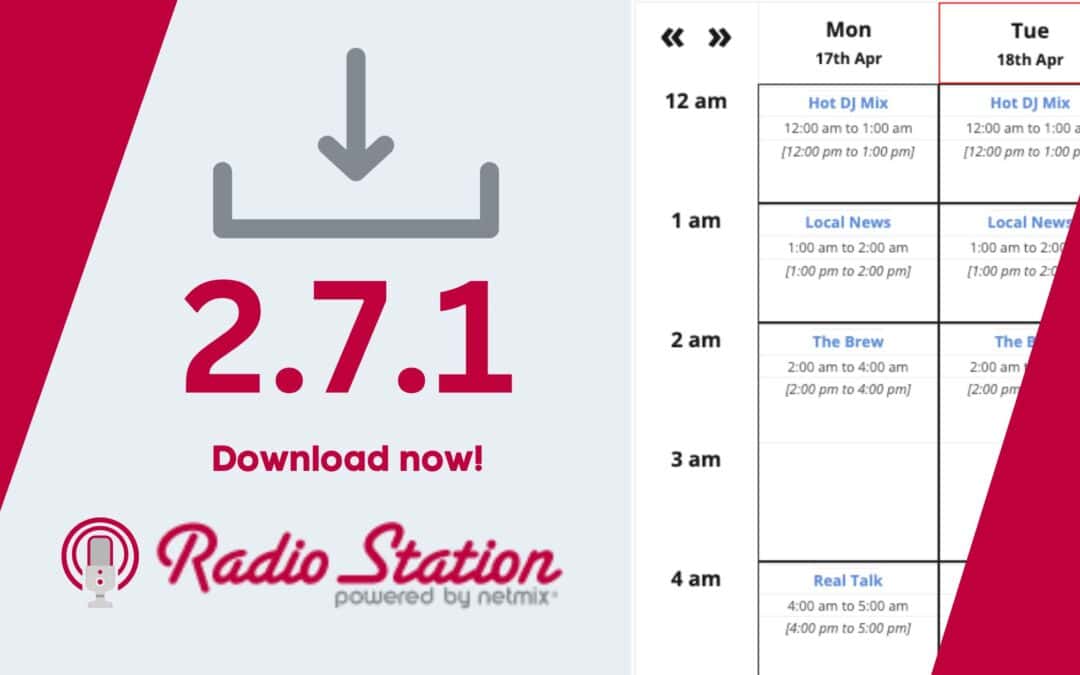
When we work on under-the-hood performance updates for Radio Station, our goal is always to make your station’s site load faster and look sharper. However, a recent stylesheet optimization in our 2.7.0 release introduced an unexpected layout bug for some users.
If you experienced sudden formatting issues after updating, we want to explain what happened, how we fixed it in version 2.7.1, and why you should update immediately.
What Happened?
While we were improving how stylesheets are loaded (enqueued) across the plugin, we noticed a minor, pre-existing WordPress quirk: occasionally, inline footer styles generated by Radio Station shortcodes were being missed by WordPress and failed to render.
To fix this, we implemented a highly reliable method to ensure these extra inline styles always print correctly in the footer.
With that success, we added a similar line of code intended to do the same for footer scripts. Unfortunately, real-world testing and user reports following the 2.7.0 launch revealed an unintended side effect. In certain server and theme configurations, this extra line cleared the style queue prematurely—resulting in broken layouts and missing styles for some stations.
The Fix in 2.7.1
As soon as the reports came in, our lead developer, Tony Hayes, investigated the queue conflict.
In Radio Station 2.7.1, we patched the plugin to remove that late script printing function. It turned out to be entirely unnecessary, and removing it allows our stylesheet optimizations to run perfectly as intended without disrupting your site’s layout.
If you ran into display issues on version 2.7.0, updating to 2.7.1 will instantly restore your site’s proper formatting. We appreciate our community’s quick feedback in helping us isolate and squash this bug!
Get the Latest Version of Radio Station
Keep your radio station’s website running smoothly with our latest stability and performance updates.
👉 Download Radio Station on WordPress.org or update directly from your WordPress dashboard today!